While I’m still waiting for my own asset to get approved by the Unity Asset Store gods…
Seriously.
Unity takes so long to process assets it’s actually impressive. At this point I think a medieval messenger on horseback could probably review my package faster.
But I’m finally on the:
“Only a few more business days left”
section.
Which sounds promising.
Which also sounds suspiciously like something they’ve told me before.
So while I wait for my asset to escape moderation prison, I thought it would be fun to list some of my favourite Unity assets right now — the tools that have quietly become permanent residents in almost every project I touch.
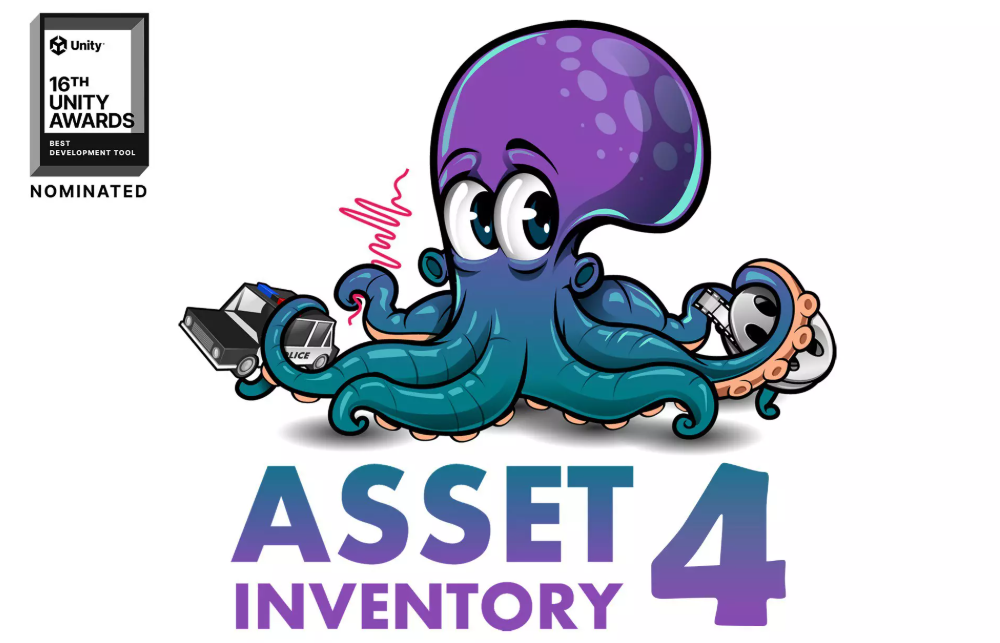
Number 1 — Asset Inventory 4
If you’re the kind of developer who has collected thousands of assets over the years like some sort of digital dragon hoarding loot…
…then this thing is life-changing.
Asset Inventory 4 indexes your assets, makes them searchable, and basically turns the terrifying chaos of your asset folders into something vaguely resembling organisation.
The really cool part is that it doesn’t just work with Unity purchases either. You can point it at external folders and it’ll sort through those too.
No more:
“I KNOW I own a medieval barrel pack somewhere.”
Now you can actually find the medieval barrel pack.
Revolutionary stuff.
Number 2 — Editor Console Pro
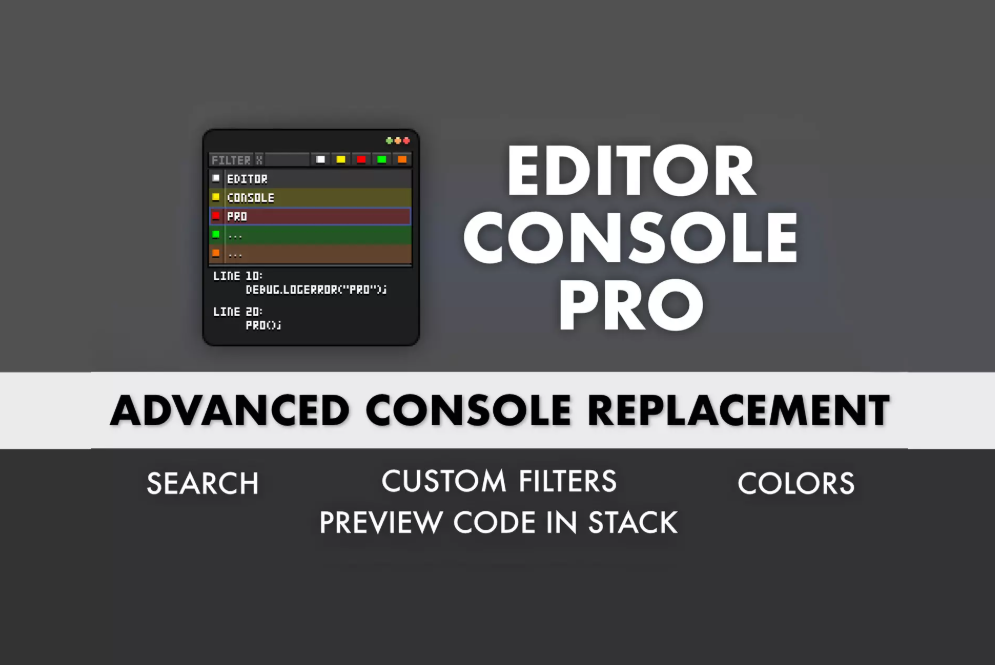
This should honestly just be the default Unity console.
It’s one of those assets where after using it for a week, going back to the normal console feels illegal.
You can colour-code issues, filter specific logs, and actually organise your errors like a functional human being.
But the best feature?
Clicking an error takes you directly to where the issue happened.
No more detective work.
No more scrolling through stack traces like you’re decoding ancient texts.
Just:
click → problem.
Beautiful.
Number 3 — Feel
This asset basically injects game juice directly into your project.
Screen shake?
Hit stop?
Flash effects?
Feedback systems?
Tiny dopamine explosions?
Feel makes all of that ridiculously easy.
One of my favourite features is being able to tweak effects during play mode and save the changes afterward. That alone saves an absurd amount of time.
It’s the kind of asset that makes you accidentally spend two hours polishing a button click animation.
And honestly?
Worth it.

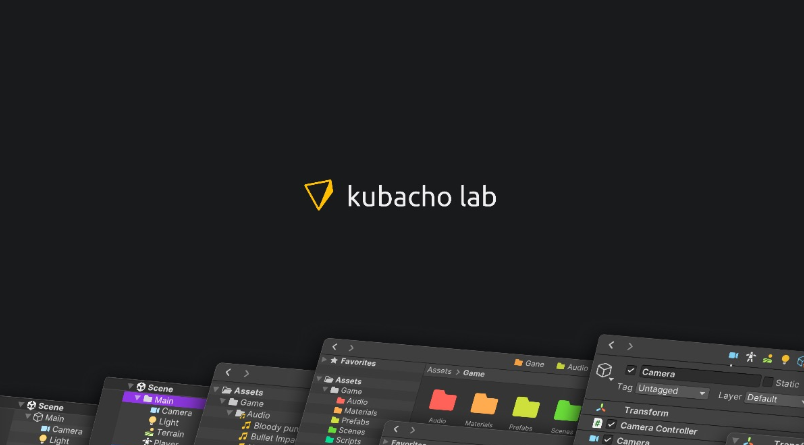
Number 4 — V Tool Suite (Kubacho Lab)
This is one of those “small improvements everywhere” tools that slowly becomes impossible to live without.
Folder colouring alone already makes my brain happier.
Being able to colour scene objects too is surprisingly useful once projects start getting messy and your hierarchy begins to resemble a crime scene.
Their inspector tools are also incredibly handy.
Especially the copy component button.
If you’ve ever made changes during play mode and then immediately experienced the emotional devastation of losing them afterward…
…you understand.
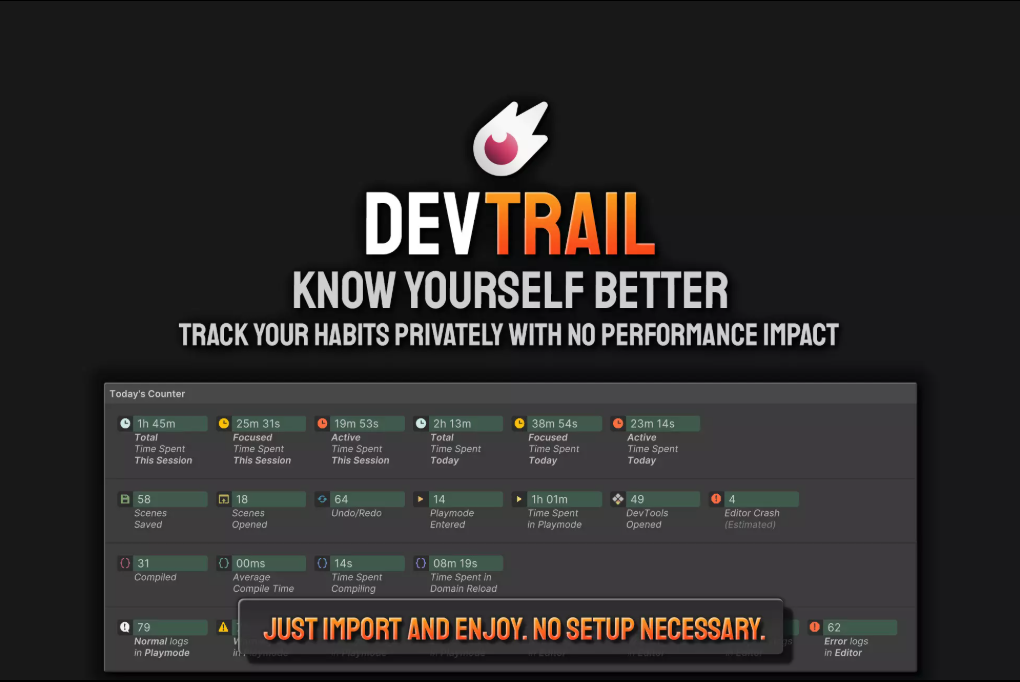
Number 5 — Dev Tools by Tiny Giant Studio
This one is deceptively simple.
It tracks how much time you spend inside the editor working on projects
At first I thought:
“Oh neat.”
Then I realised it was quietly exposing how many hours I was spending working on random stuff that added no value to my project and calling it productivity.
Still though, I genuinely find it useful.
It helps me judge whether a project is worth continuing, whether I’m making actual progress, or whether I’ve entered the dangerous zone of endlessly polishing things nobody will ever notice.
Which, to be fair, is at least 40% of game development.
And yes, obviously, I’ve also been using my own asset:
Awesome Task Manager
Which is, unsurprisingly, awesome.
Completely unbiased opinion, of course.